Backup Strategies
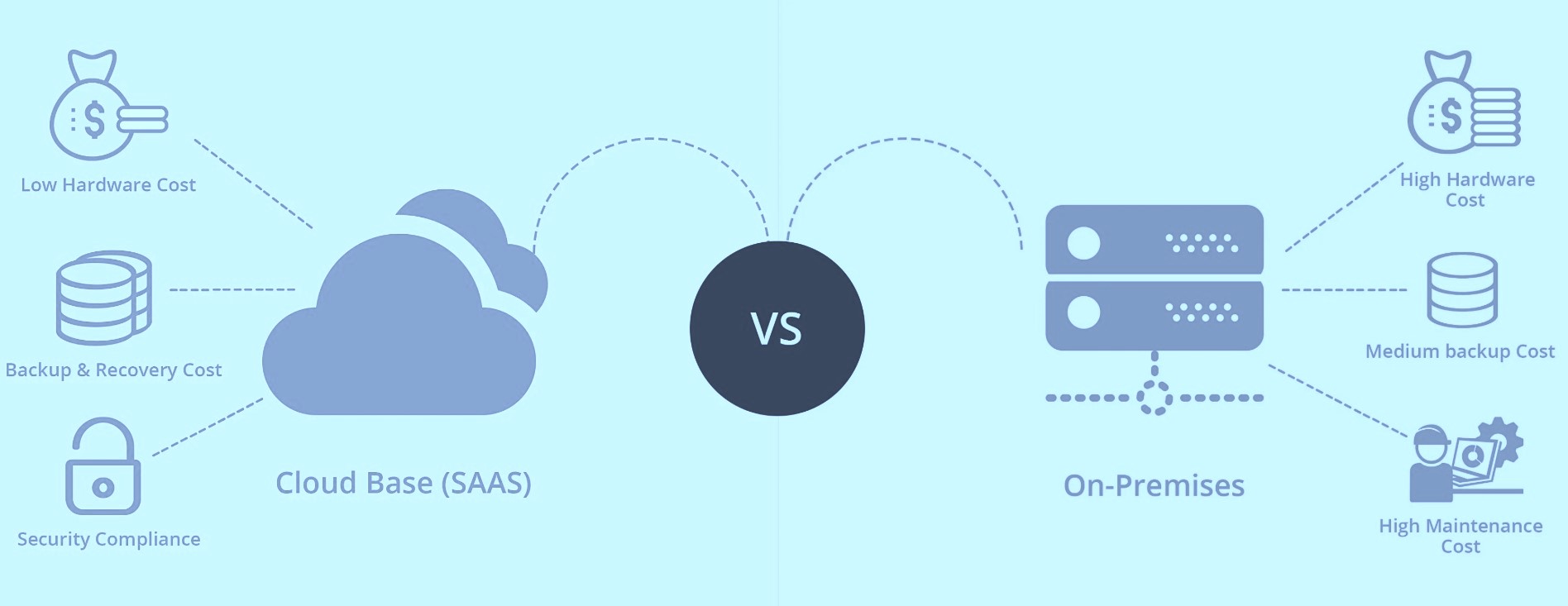
SaaS vs. Traditional IT Infrastructure What You Really Need to Know
We have all heard the advice: Make sure to back up your data.It sounds simple enough but in practice, crafting an effective backup strategy is anything but straightforward.
Whether you run a growing startup, manage IT for a large enterprise, or handle tech decisions for an SMB, how you back up your data and where that data lives makes a huge difference.
SaaS platforms and traditional IT setups are not built the same way. And if your backup strategy doesnot account for that, you could be in for a rude (and costly) surprise.
Let us break this down so you know exactly where you stand and what to do next.
SaaS vs. Traditional IT What is the Difference?
Before diving into strategy, it is important to understand the landscape:
SaaS platforms Think Google Workspace, Microsoft 365, Salesforce. These are cloud-hosted applications where the provider manages the infrastructure and software.
Traditional IT On-premises servers, local storage, and in-house applications. Your organization maintains full control and full responsibility.
It is easy to assume that if your data is in the cloud, it is automatically protected. But that assumption can leave big gaps and big risks.
Backing Up in Traditional IT Environments
If you have managed a traditional IT setup, you already know the drill. Backup strategies here typically involve:
- Full backups at regular intervals (daily or weekly)
- Incremental backups to capture changes without excessive storage use
- Off-site or cloud-based storage to protect against disasters
- Disaster recovery plans to guide recovery when the unexpected hits
The upside is that you control when and how backups happen and how quickly systems are restored. The downside? You are responsible for everything: hardware, software, processes, and security.
The SaaS Backup Myth
Many businesses assume SaaS platforms handle data backups for them. While it is true that providers focus on uptime and service reliability, they will not always protect you from user-driven data loss.
Deleted files, misconfigured syncs, ransomware, or even simple human error can result in permanent data loss with no native recovery options.
That is why forward-thinking businesses invest in third-party SaaS backup solutions. These tools connect via APIs and create secure, independent copies of your critical data, giving you a vital safety net.
| Feature | Traditional IT | SaaS |
|---|---|---|
| Managed by | Your IT team | Shared: provider manages platform; you manage your data |
| Data location | On-premises or private cloud | In the providers cloud infrastructure |
| Backup tools* | Local/cloud software or hardware | API-driven third-party solutions |
| Recovery speed | Fast if local | Variable; depends on service |
| Data loss risks | Hardware failure, human error, disasters | User error, sync issues, retention policies |
What Smart Backup Strategies Have in Common
Whether you're operating in a traditional environment, a cloud-first setup, or a hybrid model these best practices apply:
- Never assume your data is protected- verify your providers backup and retention policies.
- Automate backups- manual tasks are prone to error and neglect.
- Test your restores regularly- backups are only valuable if they actually work when needed.
- Use layered security- encryption, MFA, and role-based access should all be part of your strategy.
- Stay compliant- backup and retention practices are often tied to legal or regulatory standards.
Why It Matters More Than Ever
Data is the backbone of your operations. Whether it is client files, financial records, or internal workflows, losing access even briefly can lead to serious downtime, reputational damage, and lost revenue.
SaaS does not mean hands-off.
Traditional setups are not safer just because they re on-site.
Every environment has its blind spots and every business needs a backup plan that fits.
Final Thoughts
Data loss does not discriminate. Whether it is a misconfigured server or a mistakenly deleted file in the cloud, recovery starts with a well-planned, well-tested backup strategy.
Remember: SaaS doesnot mean set it and forget it. And traditional IT is not bulletproof just because it is under your roof. Both require proactive, reliable data protection strategies.
So here is a question worth asking:
If your systems failed today, how quickly could you bounce back?
If the answer makes you uneasy, it is time to take a hard look at your backup plan and make sure it is built for the way you work today.